Financial Tracking
Tracks income, expenses, savings activity, recurring bills, credit accounts, and trip spending inside one monthly finance workflow.
A full-stack personal finance application for tracking income, expenses, savings goals, recurring bills, credit accounts, budgets, trips, and monthly financial performance, with dashboards, audit logging, and polished PDF reporting.
Tracks income, expenses, savings activity, recurring bills, credit accounts, and trip spending inside one monthly finance workflow.
Manages budgets, sub-budgets, and carried-forward monthly allocations so category planning does not need to be rebuilt from scratch.
Aggregates monthly data into dashboards, summaries, and polished PDF reports with breakdowns, charts, and savings progress.
Includes audit-event logging and uses Supabase authentication with a Next.js frontend and Flask backend for structured access and monitoring.
The project began as a desktop application built with Java Swing and file-based storage, with multiple panels for entries, stats, graphs, and CSV report generation.
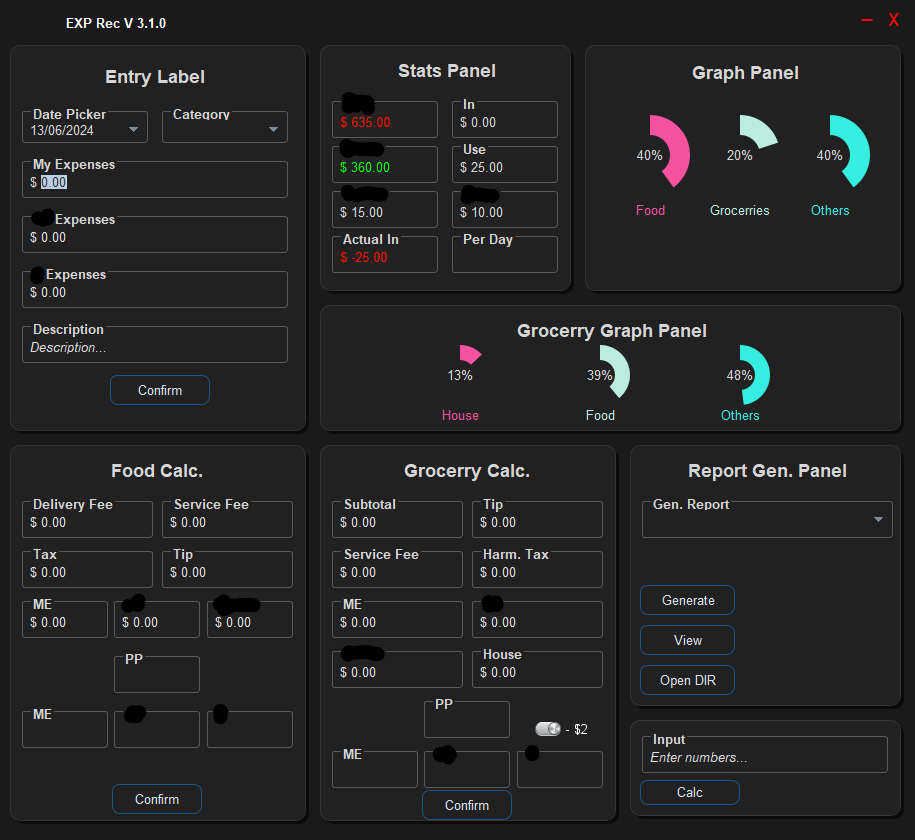
The current version keeps the original budgeting goals while moving the interface to a web application with a cleaner dashboard workflow and additional features.
Monthly records are treated as both an operational ledger and an analytical review surface for financial behavior over time.
Recurring bills and linked expenses reduce manual entry while keeping bill-related activity synchronized in the monthly record.
Audit and session event logging provide a stronger recordkeeping layer than a simple personal expense tracker.
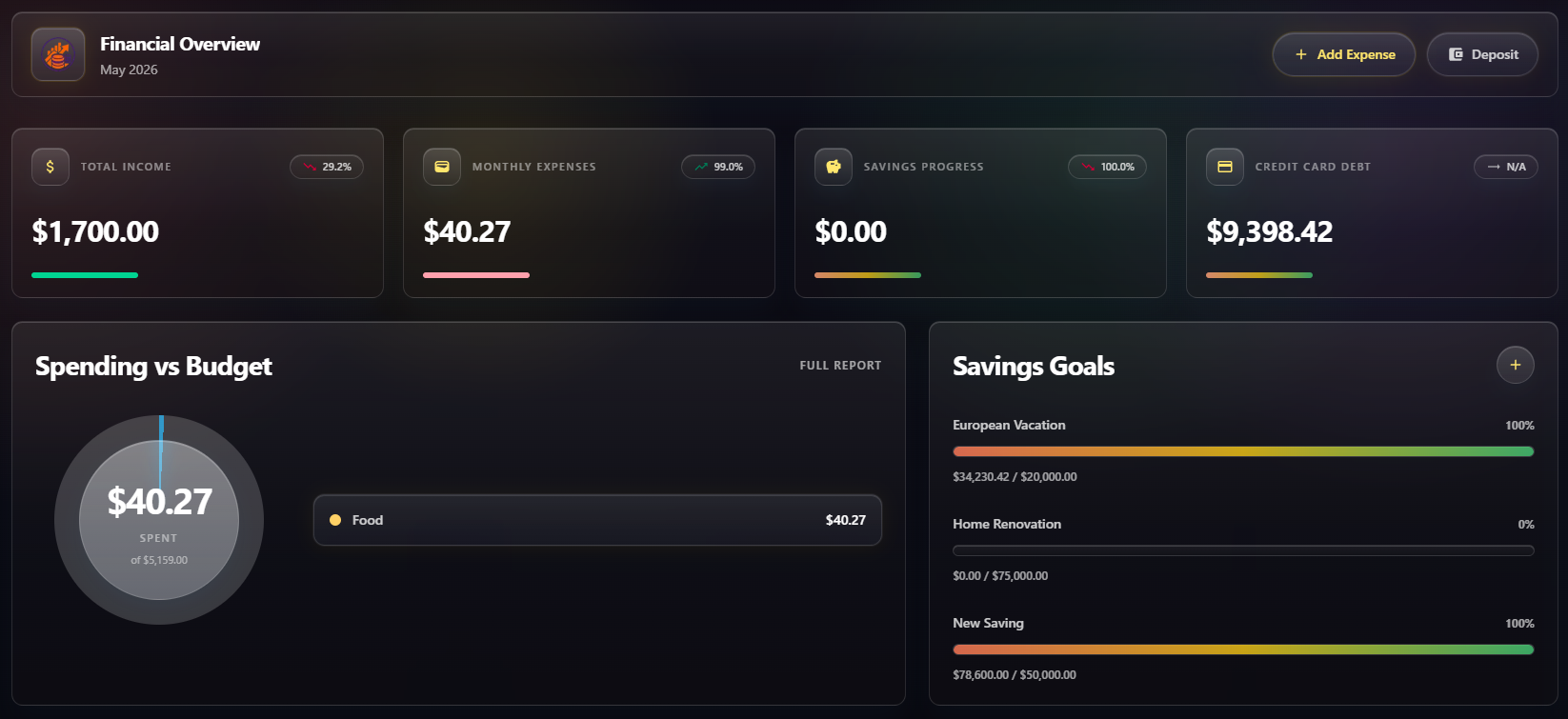
Main dashboard view for reviewing categorized spending and month-level summaries.
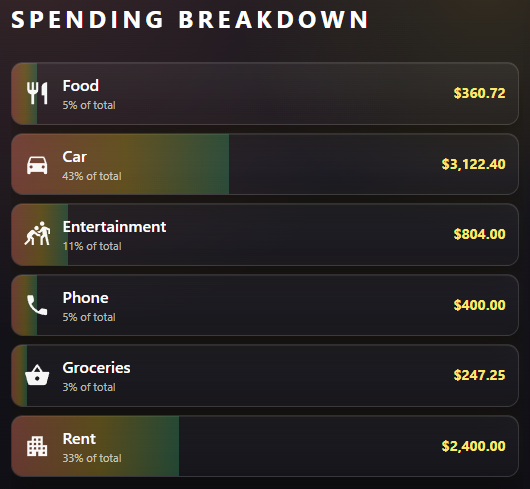
Category-focused spending visualization used to compare how budget areas are performing.
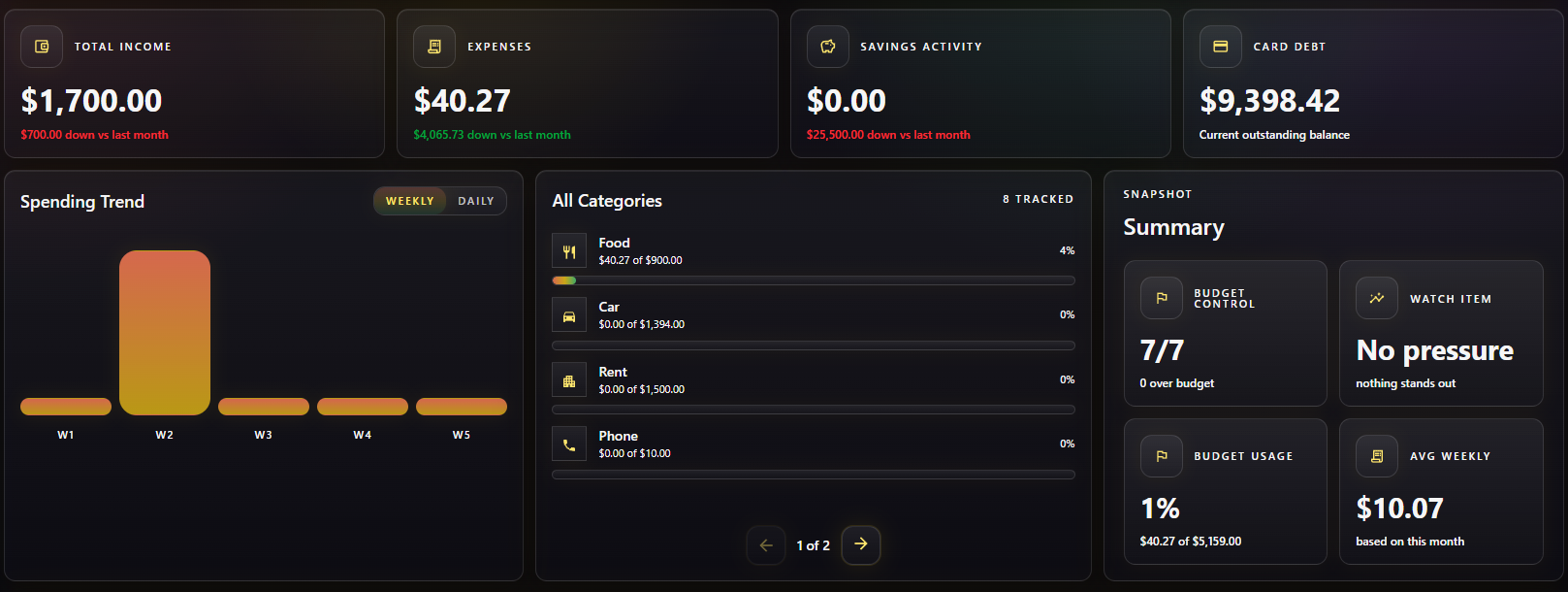
Report-focused output for reviewing recorded expenses in a more structured summary format.
Separate trip expenditure tracking used to analyze travel-specific spending patterns.

Expenses Recorder evolved from a straightforward budgeting tool into a broader financial tracking platform that combines day-to-day recordkeeping with higher-level review. By tying together transaction logging, budgeting, recurring obligations, savings behavior, credit monitoring, trip tracking, and monthly reporting, the project supports both operational finance management and reflective analysis over time.
What makes the project stronger than a basic expense tracker is the way it connects financial activity to structure and accountability. Features like synced recurring bills, grouped trip spending, PDF reporting, and audit logging turn the system into something that is useful not only for entering data, but for understanding patterns, reviewing decisions, and maintaining a more complete personal financial record.